
Add overlay color to <img> tag
If you want to change the color of a remote image, that you display using the <img> tag, like this:
html
<img alt="logo" src="https://example.com/logo.png" />You can use CSS filter property. It offers a variety of different color functions, which you can use to change the color of your image, like contrast, hue-rotate or saturate.
Of course, trying to find the correct color manually would be extremely hard. Fortunately, some smart people created tools like this one, where you enter a target HEX color and it gives you back a computed filter property value.
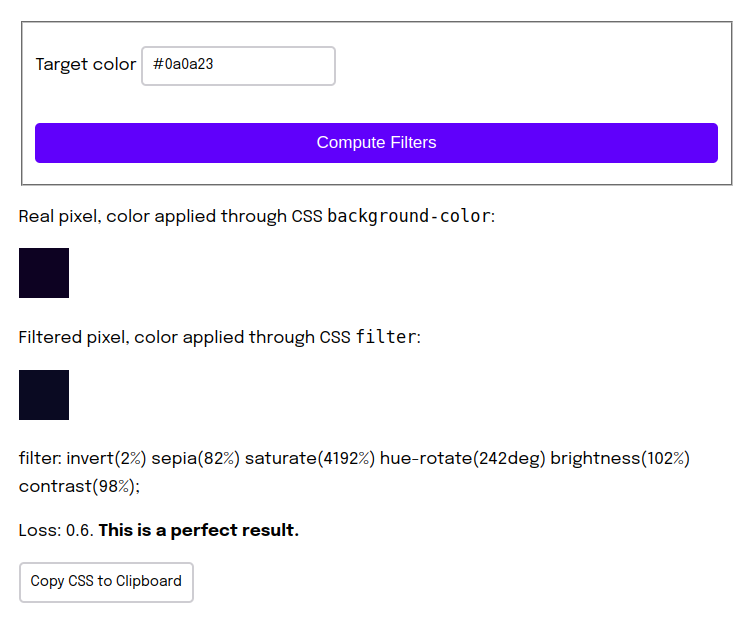
All you have to do now, is add it in your CSS:
css
img {
  filter: invert(2%) sepia(82%) saturate(4192%) hue-rotate(242deg) brightness(102%) contrast(98%);
}